Mmmwm Mmmm@mmwmmm
It's live. My first product is finally out.
2
0
41
FollowLoop finds active people in your niche who are likely to follow back, and follows them for you every day from your own browser.

“I went from 304 to 3,345 followers in 19 days. This is the exact system.”
Khushal Dewra, founder of FollowLoop
Your first 200 follows are free. No card needed.
Mmmmm Mmmw
@mmmwmm_mm
Product designer. Sharing UI work and Figma files every week.
Mmwmm Mmmmmm
@mmwmmmm
Solo founder building in public. Day 41 of my first SaaS.
Mmmw Mmmmm
@mmmwmmm_m
Brand and web designer. Making landing pages in Framer.
Running
Last round 4 minutes ago. A round every 15 minutes, up to 12 follows each.
I kept seeing small creators with good products and almost no followers.
They shipped, they posted, and nobody bought, because nobody knew they existed.
They searched X for people in their niche and followed them, every day, for hours. Some followed back, and every new follower is one more person who sees the next post and the next launch.
The same searches, the same filters, at the same steady pace I use on my own account, slowing down by itself when X pushes back.
304October 2
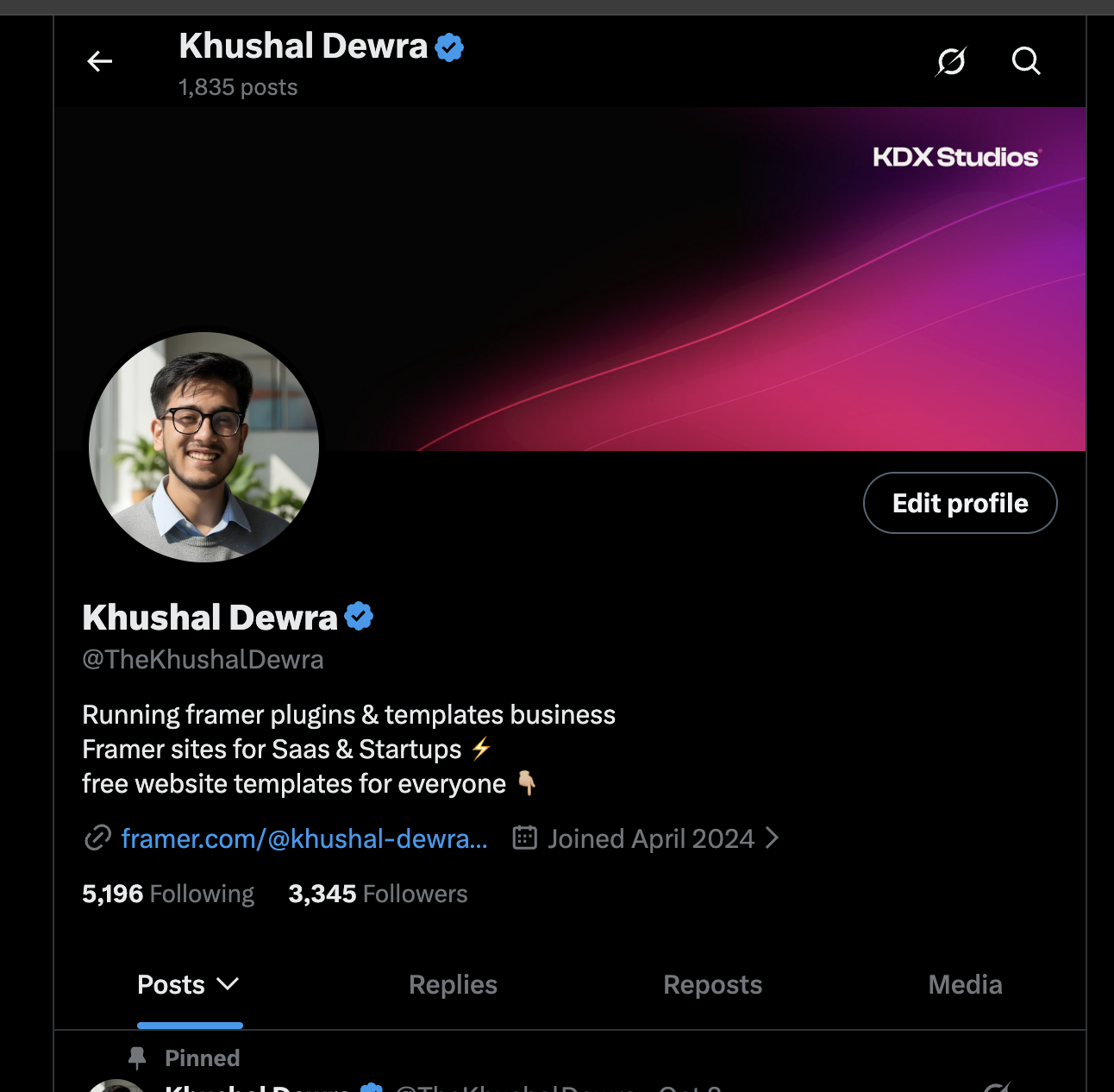
3,345October 21
Followers on my own X account, 19 days apart.
You still need to post. FollowLoop gets the right people to look at your profile. Your posts decide if they stay.
I'm Khushal Dewra. I make Framer templates and plugins at KDX Studios, and I ran this on my own account before selling it.
Every follow back is someone who sees your next post and your next launch.
It only follows active, verified people whose name or bio matches your niches, so the people who follow back are in your niche and the most likely to care about what you make.
The searching and clicking you would do by hand runs in its own tab while you work. Open the green FollowLoop tab group any time to watch it.
You set it up once. After that it runs by itself, a round every 15 minutes, while your computer is on.
About 5 minutes
With Google or your email. Your first 200 follows are free, and you don't need a card.
One time, about 2 minutes, and the setup walks you through it. Edge, Brave, Arc, Opera and Vivaldi work too.
Log in to x.com in the same browser, the way you always do. FollowLoop never sees your password.
Tell it what you post about. You can change your niches any time in your dashboard.
A round every 15 minutes
Verified people who posted in the last 48 hours, follow a lot of people back, and match your niches in their name or bio. Crypto, giveaway and spam bios get skipped.
Up to 12 a round, in a green FollowLoop tab group. Click the group to watch it. Your own x.com tabs are left alone.
4 days after a follow it checks. If they follow you back they stay, if not it unfollows them. On paid plans, and you can turn it off.
Your dashboard charts your follower count once a day, with today's follows and how many followed you back.
Following people is easy. Doing it every day without X stopping you is the hard part, so most of FollowLoop is pacing. I worked out these numbers on my own account.
375follows a day, at most
X's help center says an account can follow up to 400 people a day. FollowLoop stops at 375 and counts over a rolling 24 hours, not from midnight. One day I did 398 between midnight and midnight, and the next morning X wouldn't let my follows through.
X still shows a limit once in a while. When it does, FollowLoop backs off by itself instead of pushing through. It can't promise X won't act on your account, so read Is this allowed by X? before you start.
They ran FollowLoop on their own X accounts before anyone could buy it.
beforeafterfollowers in days
Their words, exactly as they sent them
Name@handle
beforeafterfollowers in days
Their words, exactly as they sent them
Name@handle
beforeafterfollowers in days
Their words, exactly as they sent them
Name@handle
Every plan starts with the free trial: 200 follows on 1 X account, no card. You pay when you're ready.
One account at a slower pace. Good for trying it.
$29.99
a month, billed monthly
My exact setup
One account, 375 follows a day.
$49.99
a month, billed monthly
For people running a few accounts.
$99.99
a month, billed monthly
For teams and client accounts.
$199.99
a month, billed monthly
Every plan gets fresh target lists each day, the automatic slow-down when X pushes back, and the follower growth chart. Daily limits count over a rolling 24 hours.
Something else? Message me on X at @TheKhushalDewra.
Sign up and you get 200 follows free, up to 100 a day, on 1 X account with up to 3 niches. You don't add a card.
When the 200 are done, your dashboard shows what the trial did on your account: the follows, and your follower count when it started and now. Then you decide if you want a plan. Each X account gets one free trial.
Chrome, Edge, Brave, Arc, Opera and Vivaldi on a Mac, Windows or Linux computer. Firefox is planned for later. Safari and phones are not supported.
Yes. FollowLoop runs inside your own browser, so the computer has to be awake and the browser open. It opens its own x.com tab for the rounds, in a green FollowLoop tab group. When the computer sleeps, FollowLoop pauses too.
Yes. Click the green FollowLoop tab group in your browser. A small panel at the bottom left of its x.com tab shows each step as it happens: who it followed, and who it skipped and why.
FollowLoop leaves your own x.com tabs alone. If you close FollowLoop's tab, the next round opens it again.
Basic follows up to 100 a day per X account. Standard, Premium and Agency follow up to 375 a day per X account. That's counted over a rolling 24 hours, at up to 12 every 15 minutes.
Some days it will be fewer, for example when X slows you down or the computer is off.
Yes. Right now you can pick from build in public, design and UI, SaaS and startups, AI and coding, Framer and no-code, marketing and growth, and fitness.
Basic gets 1 niche, Standard and Premium get 3 per account, Agency gets all of them. You can change them any time in your dashboard.
It happens once in a while. When X shows a rate limit, FollowLoop stops for 20 minutes, then carries on at a slower pace. After 3 hours without another limit it goes back to full speed.
The rest of the pacing, and where the numbers come from, is in Built around X's limits.
Straight answer: FollowLoop automates follows and unfollows on your X account, and X restricts automation. X can limit, lock or suspend accounts it thinks are automated.
FollowLoop uses the same limits I use on my own account, and it backs off when X pushes back. I can't promise X won't act on your account. You choose to run it.
Only people FollowLoop followed for you. 4 days after a follow it opens their profile. If they follow you back, they stay. If not, it unfollows them. Accounts you followed yourself are never touched.
You can turn this off in your dashboard.
Once you follow 5,000 accounts, X only lets you follow more as your follower count grows. Unfollowing people who don't follow back keeps your following count from climbing by your full daily limit. If X still refuses follows while you follow close to 5,000, FollowLoop pauses follows for 24 hours and keeps unfollowing.
Yes, any time. Your plan keeps working until the end of the month or year you paid for, and then it stops renewing.
Your email, the X handles you connect, who FollowLoop followed, unfollowed or skipped for you, your niche picks, and your follower count once a day.
Never your X password or your login session. You log in to X in your own browser and that stays there. The details are in the privacy policy.
FollowLoop automates follows and unfollows on your X account, and X restricts automation. It uses the same limits I use on my own account and slows down when X pushes back. You choose to run it.